PHARMACY TO PHARMACY. DIRECT.
Buy and sell
overstock
medications.
The inventory you don’t need could fill another pharmacy’s prescription. Sell eligible overstock and source medications directly from other independent pharmacies.
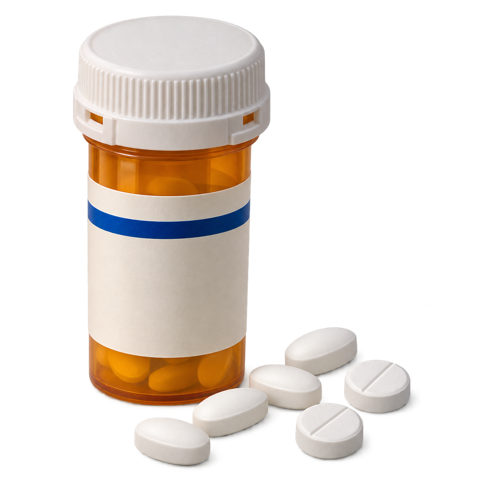
Licensed pharmacies.
Non-controlled, non-expired prescriptions.
Find a medication.
A closer look at pharmacy-to-pharmacy trading.
Independent pharmacies. Connected.
Already on your shelf.
Needed somewhere else.
Keep eligible medications moving between pharmacies, so they can reach the patients who need them.

For sellers
Sell overstock before it expires.
List eligible, in-date medications, set your price, and give another pharmacy the opportunity to put them to use.
Start sellingFor buyers
Find what your patients need.
Check other pharmacies when a medication is on backorder or unavailable from your usual supplier. Compare listings for a specific patient need.
Start buyingHow it works
Buying and selling in four steps.
Register your pharmacy and complete verification to get started. From there, each order follows the same process.

- 01
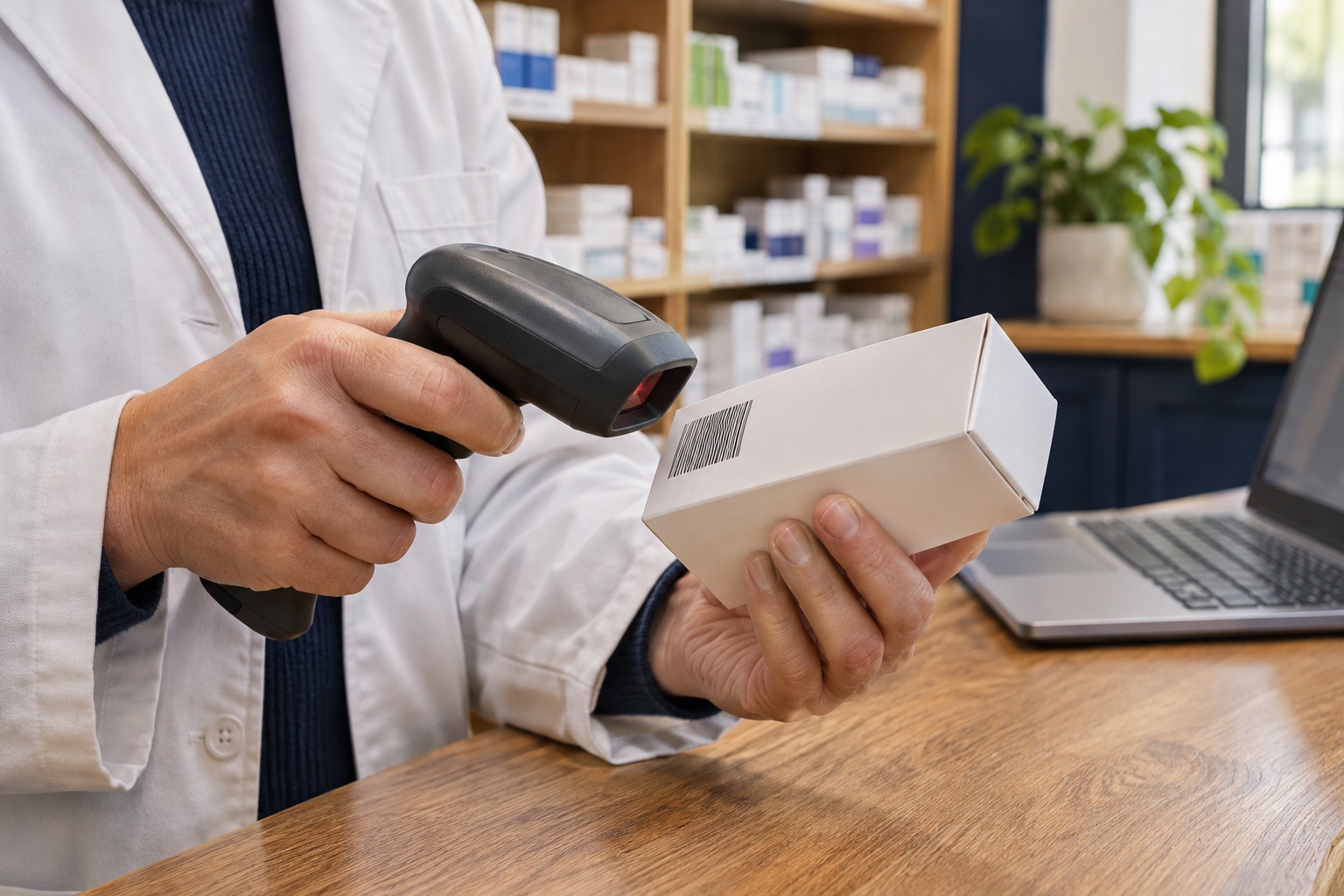
Seller posts available medication
Add eligible, non-controlled, non-expired inventory. Provide the NDC, lot, expiration date, package details, and quantity, then set a price.
- 02
Buyer orders for a patient
Find listings by NDC, compare product details and pricing, and place an order to fill a specific patient prescription.
- 03
Seller confirms and ships
Verify the items are available, prepare the packing slip and shipping label, and send the documented order to the buyer via FedEx.
- 04
Payout follows delivery
Track the order through delivery. Once shipment tracking confirms it has arrived, PrimePostRx initiates the seller’s payout, less applicable fees.
Pharmacies are responsible for confirming that each transfer is permitted and providing the required documentation. Read about DSCSA requirements.
Who can use PrimePostRx?
PrimePostRx is for licensed pharmacies. Register your pharmacy and complete verification before buying or selling. Each pharmacy location must be registered separately.
What medications can I list?
You can list eligible non-controlled, non-expired medications. Include the NDC, lot number, expiration date, quantity, and package condition. Review the User Agreement for product and transfer requirements.
How are prices set?
Sellers set their listing prices within the marketplace’s pricing requirements. Buyers can review the price and product details before ordering.
Who pays for shipping?
The buyer pays the shipping cost. Orders ship via FedEx. See our shipping guidelines for packing requirements and delivery options.
Contact us
Talk to the PrimePostRx team.
Need help registering, listing inventory, or placing an order? Send us a message and our team will help you get started.
Prefer email? support@primepostrx.com
For the pharmacy you’re building.
Join the PrimePostRx marketplace.
Create your pharmacy account to sell overstock, compare listings, and source medications for your patients.
Get started